Construction Team App — Projects, Tasks and AI for Small Crews
The right app for construction teams replaces Excel, WhatsApp and paper chaos. What software for small trade businesses needs to do and what matters most.
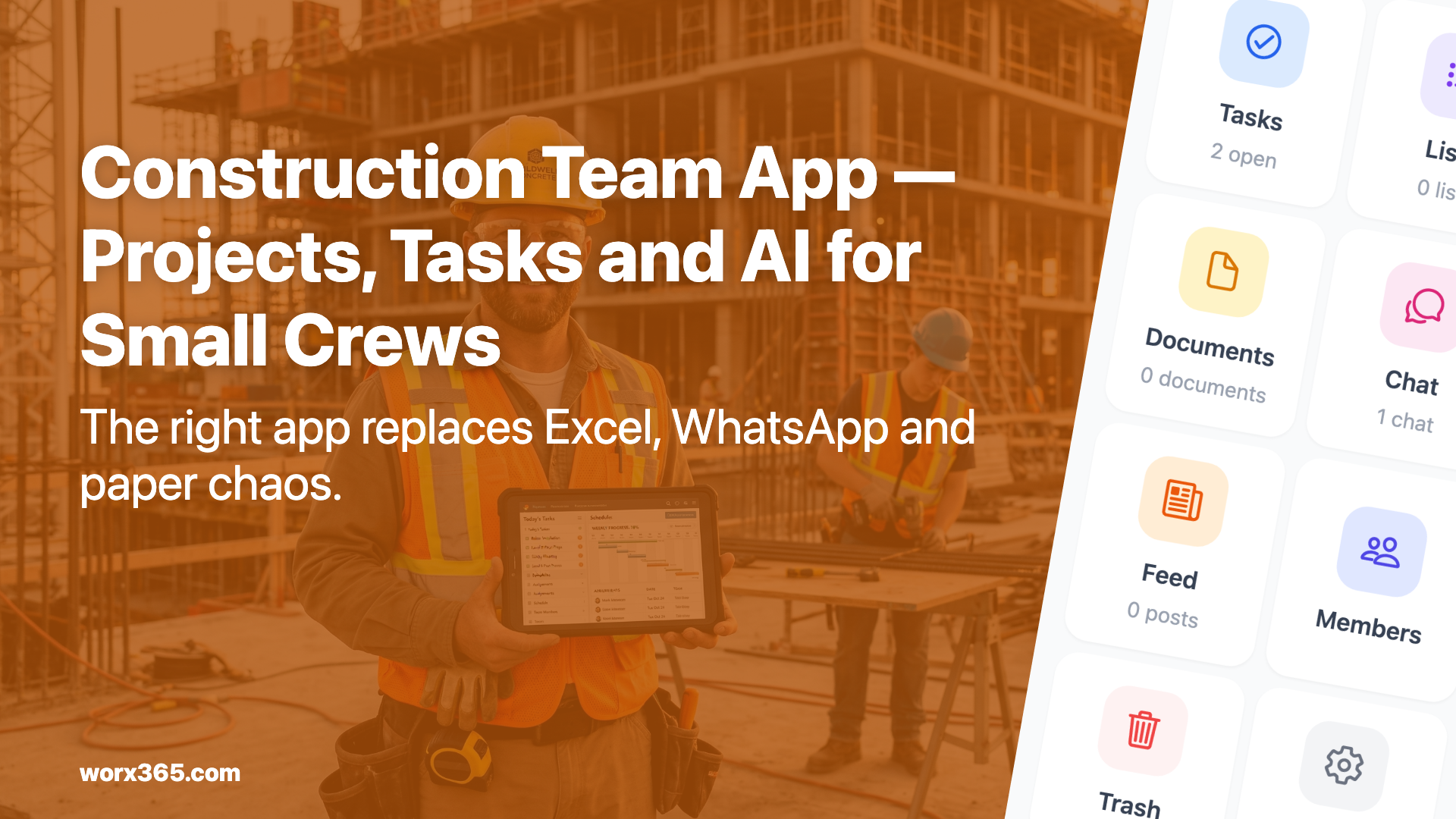
Excel, WhatsApp, sticky notes — at some point it falls apart
Most small trade businesses run their projects through three channels: WhatsApp for quick coordination, Excel for time tracking, and a notebook or loose scraps of paper for everything else. This setup works as long as projects stay manageable and nobody calls in sick.
But once a second project starts, a team member is out, or a client asks for a status update, the whole thing collapses. One piece of information sits in a WhatsApp group, another in a spreadsheet, and the damage photo was sent via text message. Whoever has to find something loses time. And on a job site, time is money.
A project management app is supposed to fix exactly this. But not every tool is built for a team that spends all day out on sites.
What does a construction team app actually need?
The requirements aren’t that complicated. Most teams need five things:
Assign and track tasks
The boss decides in the morning who does what. On the way to the site, everyone checks their phone to see what’s on the list. When a task is done, it gets checked off. Sounds obvious, but in most small businesses this happens by word of mouth or a WhatsApp message that gets buried within minutes.
Photo documentation
Before-and-after shots, defects, material deliveries. Photos belong with the project, not in someone’s personal camera roll. Good trade software stores images directly in the project so they’re still findable weeks later.
Time tracking
Who was where, and for how long? For invoicing, for post-calculation, for proof to the client. An app that tracks time directly per project saves you from the double entry into Excel every evening.
Team communication
Quick questions, quick answers. But in project context, not sandwiched between holiday photos and family messages. A project chat replaces the WhatsApp group where it doesn’t belong.
Keeping clients in the loop
The classic scenario: the client calls and asks how far along you are. Instead of phoning every time, a client feed can show progress automatically. That saves time on both sides.
Why most apps don’t work for trades
There are hundreds of project management tools out there. Most of them were designed for desk work. You notice fast:
Too many features. Gantt charts, resource planning, budgeting broken into eight subcategories. An electrician with three employees doesn’t need any of that. He needs a task list and a way to take photos.
Not built for phones. Many tools work fine on desktop but are painful to use on a phone. On a job site, nobody has a laptop with them.
Too expensive. Some providers charge 30 to 50 dollars per user per month. For a five-person team, that’s 200 dollars before a single project is even created.
Requires training. If your team needs a workshop before they can use the app, they won’t use it. Simple as that. Most tradespeople have no patience for clicking through tutorials. The app needs to make sense the first time you open it.
Worx365: What this looks like in practice
We built Worx365 for small businesses with 2 to 20 people. Organize projects without hiring an IT consultant.
Tasks that land. You create a task, assign it to someone, set a deadline. That person gets a notification and sees the task on their phone. Done. Often that’s all you need. More about tasks at Features.
Project chat instead of WhatsApp. Every project has its own chat. Direct messages work too. No private phone numbers needed, everything stays in the project. When someone leaves the team, they don’t take the messages with them.
Photos and files stay with the project. Images are stored in the project directly. No digging through camera rolls, no “send that to me again.”
Time tracking built in. Start a timer, log your hours, done. The data stays with the project and can be exported for invoicing.
Emma, the AI assistant. Emma handles routine stuff. You can tell her: “Create a task for Monday” or “What’s on this week?” She knows your projects and answers right away. No manual needed. More at Emma.
Runs on your phone. iPhone, Android, browser. The interface is made for phones because that’s where you’ll use it most.
Start for free
You can try Worx365 for free. Create a project, invite your team, get going. No credit card, no contract.
Check the pricing at Pricing. Get started at Start.
An app your crew will actually use? Try Worx365 for free.