Time Tracking for Tradespeople — Log Hours per Project
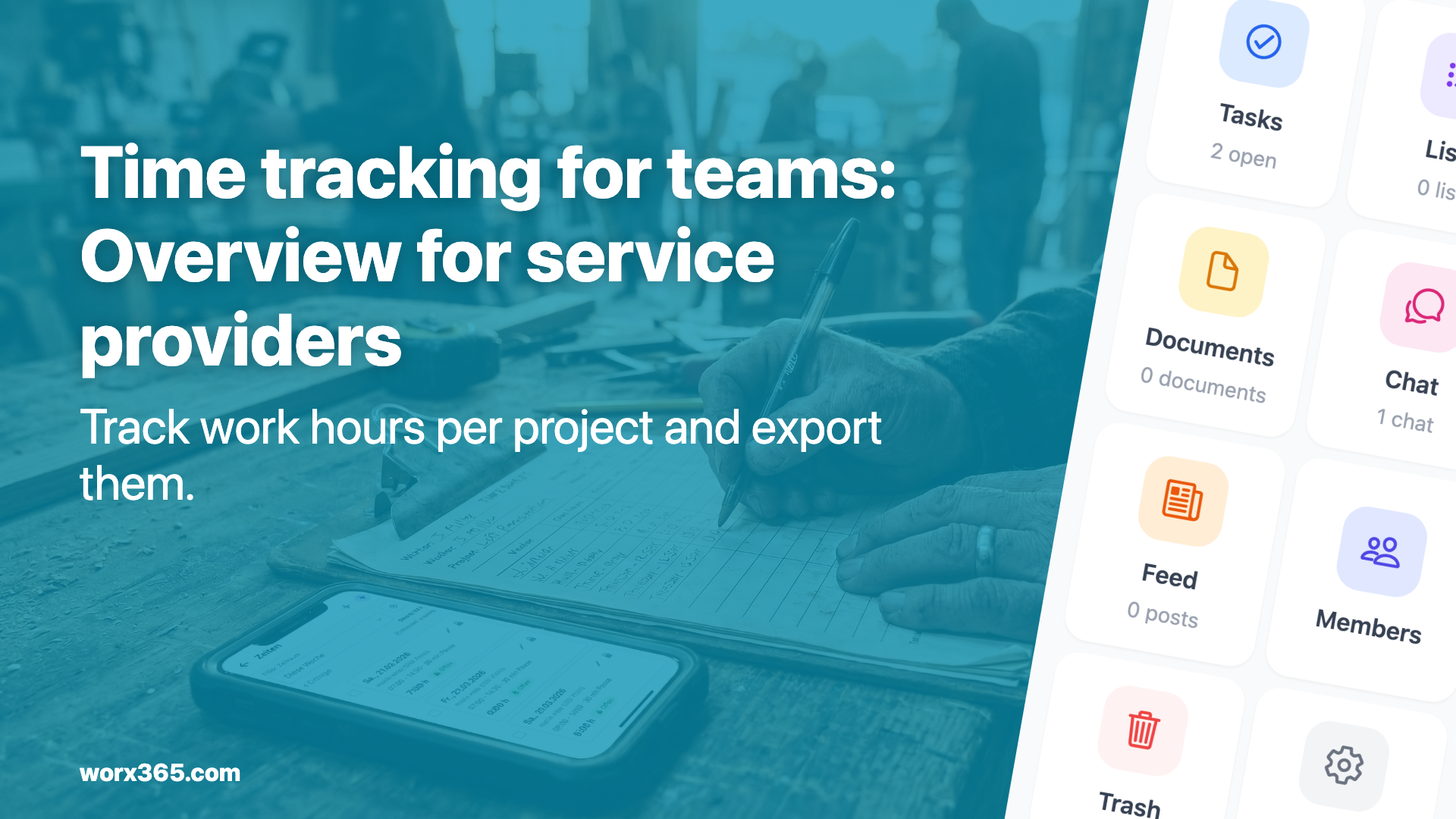
Track working hours per project, analyze them, and export to Excel. How tradespeople and service providers stay on top of hours and costs.

Why Time Tracking in the Project Matters
For service providers and trade businesses, time is the most valuable resource. If you don’t know how much time goes into which project, you can’t bill correctly or assess whether your projects are actually profitable.
Yet in many small teams, time tracking still relies on:
- Handwritten timesheets
- Excel spreadsheets hastily filled in at the end of the month
- Separate apps that have nothing to do with the rest of your project management
Time Tracking Right Inside the Project
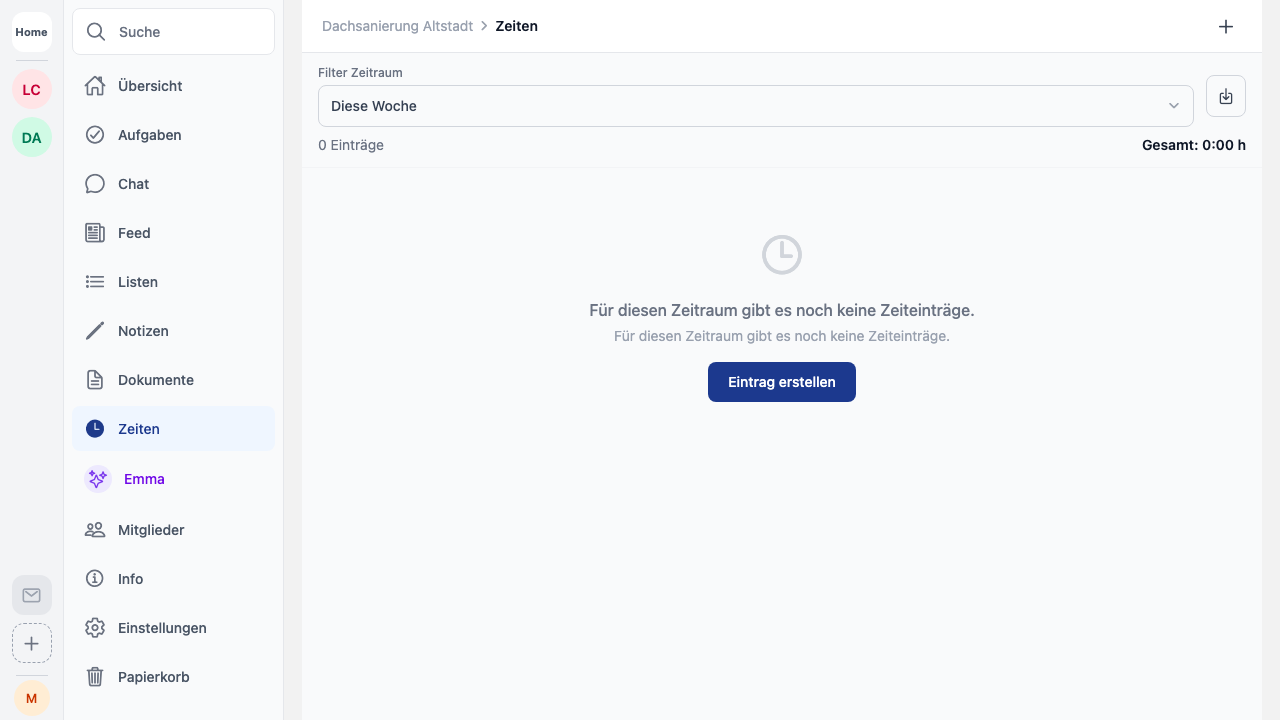
With time tracking in Worx365, team members log their working hours exactly where the work happens: in the project.
How It Works
- Start a timer: One tap starts the timer for the current task
- Add entries manually: Hours can also be entered after the fact
- Assign to a task: Each time entry belongs to a project and optionally to a specific task
- Lock periods: Completed time periods are locked — no more retroactive changes
Who Can Track Time?
The project manager controls which team members are allowed to log time. This keeps things clean and ensures only relevant people make entries.
Export for Billing
At the end of the month or after project completion, the project manager exports all time entries as an Excel file. The export includes:
- Date and duration
- Project and task
- Team member
- Comments
The data can be used directly for invoicing or cost controlling.
Practical Example: Electrical Contractor with 8 Employees
An electrical contractor manages 10-15 job sites at the same time. Each electrician logs their hours directly on their phone via Worx365. The boss sees in real time who is working where and how many hours have been logged on each project.
At the end of the month, he exports the data and generates client invoices from it. This saves several hours every month compared to the old Excel method.
Conclusion
Time tracking doesn’t have to be complicated. When it happens directly in the project, it becomes part of the daily workflow instead of a tedious chore at the end of the month.