WhatsApp Alternative for Construction Teams — GDPR-Compliant Chat
WhatsApp doesn't work for project management. Replace it with a project chat that keeps work and private life separate. GDPR-compliant, no private numbers.


Everyone Knows This Problem
Monday morning, 7:42 AM. Your phone buzzes. The WhatsApp group “Project Mueller” has 47 unread messages. Mixed in: a photo from the job site, a question about an invoice, three voice messages, and a GIF.
Welcome to WhatsApp chaos.
For many small teams, WhatsApp has become the default communication tool. Understandable — everyone has it, it’s free, and messages arrive instantly. But what starts as a convenient solution quickly turns into a problem:
- Messages get buried. Important information disappears between memes and “OK” replies.
- Personal and work communication blend together. Your private phone becomes a work device.
- Files are impossible to find. Try locating that construction site photo from three weeks ago.
- No overview. Who said what and when? Which task was assigned? Nobody knows.
- GDPR issues. Private phone numbers, no control over data, no audit trail.
Why WhatsApp Is Not a Project Management Tool
WhatsApp was built for personal communication. Full stop. It lacks everything teams need for professional work:
No Project Context
Messages are sorted chronologically, not by project or task. If you’re working on three projects at once, you have three groups — and still lose track.
No Access Control
Everyone in the group sees everything. You can’t selectively show an external partner only the information that’s relevant to them.
No Follow-Up
“Can you get this done by Friday?” — a message that drowns in the flood. No deadline, no assignment, no reminder.
Sharing Private Numbers
Every new contact sees your personal phone number. For clients, freelancers, and subcontractors, that’s a data privacy issue.
The Alternative: Communication That Stays in the Project
Imagine your team communicates right where the work happens — inside the project. No separate app, no private numbers, no lost messages.
Project Chat Instead of Group Chaos
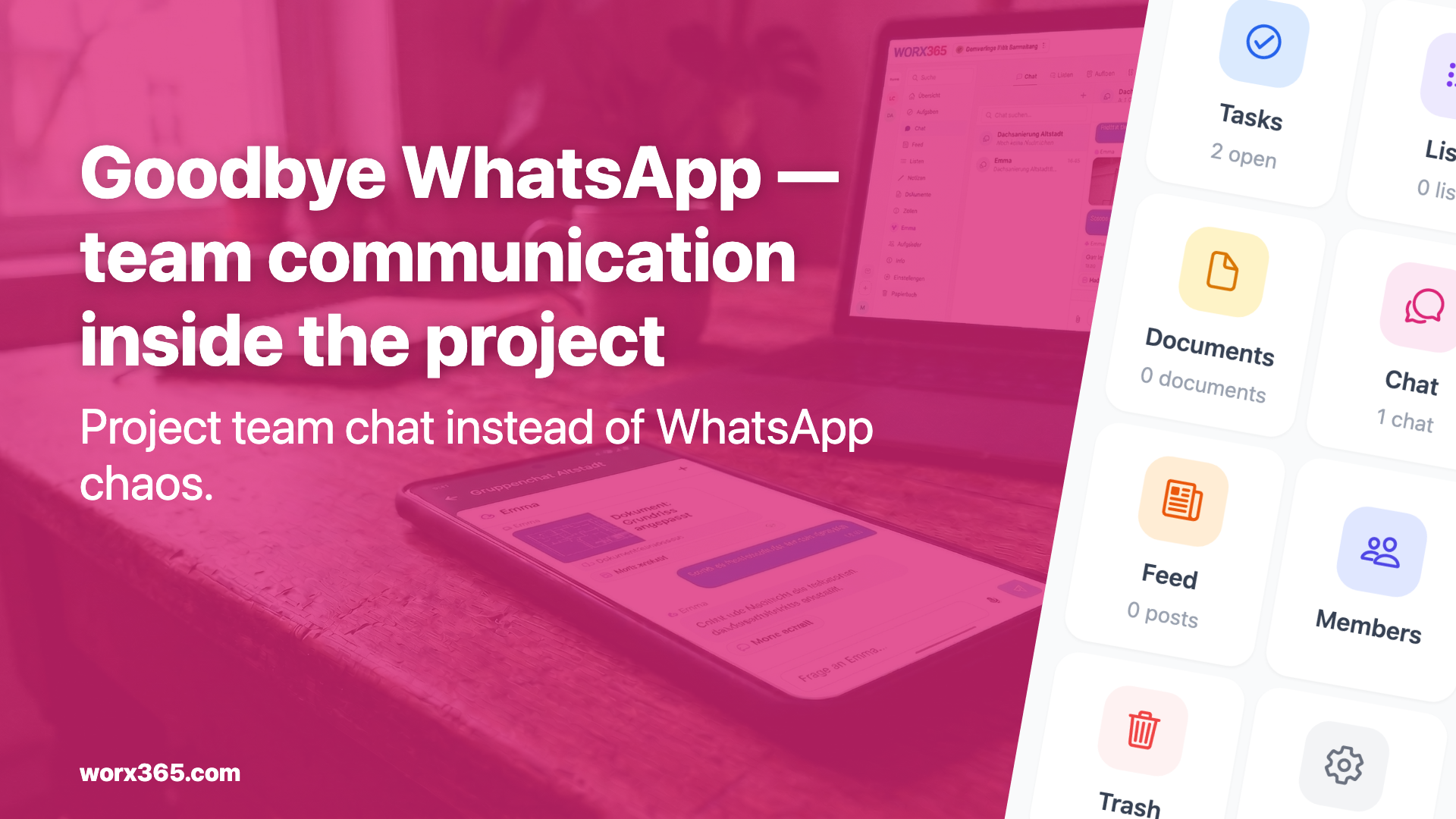
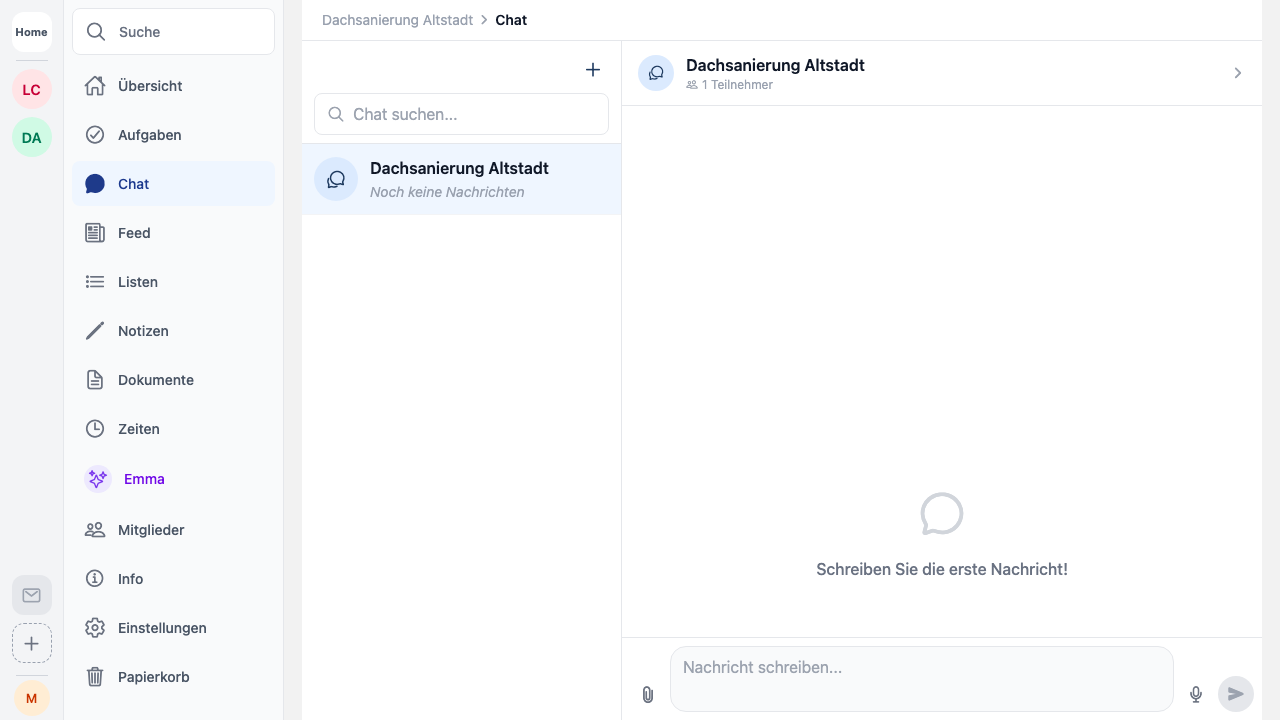
In Worx365, every project has its own chat. Direct messages and group chats — all in one place, all in context. When you’re looking for a message about Project Mueller, you check Project Mueller. Not your phone.
No Private Numbers Required
Your team communicates through the app. Nobody has to share their private number. That’s not just more professional — it’s also GDPR-compliant.
Keep Clients Informed Without Giving Full Access
With the customer feed, your clients follow project progress via a link — no account needed, no extra work for you. And when you want to bring in external partners, you invite them as guest members. They only see what’s relevant to them.
Files Stay With the Project
Photos, plans, invoices — everything is stored directly in the project and easy to find at any time. No more “scroll back three weeks.”
Making the Switch in Practice
The most common objection: “But my team is used to WhatsApp.” True. But habit is not an argument for a bad tool.
How to Make the Transition Work
-
Don’t ban it — replace it. Don’t tell your team “No more WhatsApp.” Say: “From now on, everything about the project is here.” When the alternative is better, people switch on their own.
-
Start with one project. Pick an active project and use project chat for all communication. After two weeks, nobody asks about WhatsApp anymore.
-
Involve your clients early. Once your client sees project progress through the customer feed, you save yourself the constant status updates by phone.
What You Gain
- Clear separation between work and personal life
- All messages in context — in the right project, with the right people
- GDPR compliance without extra effort
- Files that are actually findable — even weeks later
- A more professional image with clients and partners
Conclusion
WhatsApp is a chat tool. Not a project management tool. If your team needs to communicate professionally, you need a tool that connects communication with projects — not one that separates them.
Worx365 replaces WhatsApp where it doesn’t belong: in your projects. Your team communicates in context, clients stay informed, and your personal phone stays personal.