Project Management for Trades — What Small Teams Actually Need
Project management in construction and trades works differently than in an office. What small teams need and why classic tools often fail. With practical tips.
Project management sounds like an office thing
The phrase alone makes most tradespeople tune out. Project management means Gantt charts, status meetings, and people staring at spreadsheets all day. At least that’s the stereotype.
Reality in a small trade business looks different. Five job sites running at once, the boss keeping everything in their head, and when they’re out sick, nobody knows what’s going on. Tasks get assigned verbally. Photos end up in the WhatsApp group. Time tracking? Scribbled on a receipt in the glove box.
Still, even a team of four or eight people needs a structure that doesn’t depend on one person’s memory. The question is what that structure looks like.
Why classic PM tools don’t work for trades
Search for project management software and you’ll quickly land on MS Project, Asana, Monday, or Jira. All built for office teams. That’s the problem.
Too complicated. Nobody on a job site wants to watch a tutorial before they can create a task. MS Project is powerful, but the learning curve is steep. For a painting crew or electrician’s shop with five people, it’s overkill.
Not built for mobile. Most classic tools work best on desktop. Your team works on site, in the van, at the customer’s place. If they have to log everything on a computer in the evening, they’ll stop doing it.
Too many features. Sprints, story points, dependencies, custom fields. Sounds flexible, feels like a cockpit when all you need is the windshield wiper.
Expensive per seat. Many tools cost $10 to $25 per person per month. For a small team that adds up fast, and the value doesn’t match the price.
What project management actually means in the trades
Forget Gantt charts for a moment. Managing projects in construction and trades comes down to five questions:
- Who’s doing what today?
- What’s the status on the Miller project?
- Where are the photos and documents?
- How many hours went into which project?
- What did we agree with the customer?
That’s it. If you can answer these five questions at any time without calling someone, your project management is sorted. No Gantt chart required (though it’s nice to have one sometimes).
The basics every small team needs
Before you introduce any tool, think about what your team actually uses every day. Usually it’s these things:
Tasks with owners and deadlines. Who does what by when. Sounds obvious, but when it’s unclear, mistakes happen. A simple task list per project is often enough.
Photos and documents attached to the project. Job site photos, measurements, quotes. Everything needs to live in one place that everyone on the team can find. Not in three WhatsApp groups and two email inboxes.
Team communication without WhatsApp. WhatsApp mixes personal and work messages, has no project structure, and creates privacy issues. A project chat that belongs to the project solves this.
Time tracking per project. If you want to know whether a project was profitable, you need to know how many hours went into it. That only works if tracking is simple enough that everyone actually does it.
Keeping customers in the loop. Customers call to ask about progress. If you send them a link where they can see updates themselves, you save those phone calls.
Worx365: What this looks like in practice
We built Worx365 for small businesses in trades, construction and planning offices. The app works just as well on a phone as on a computer.
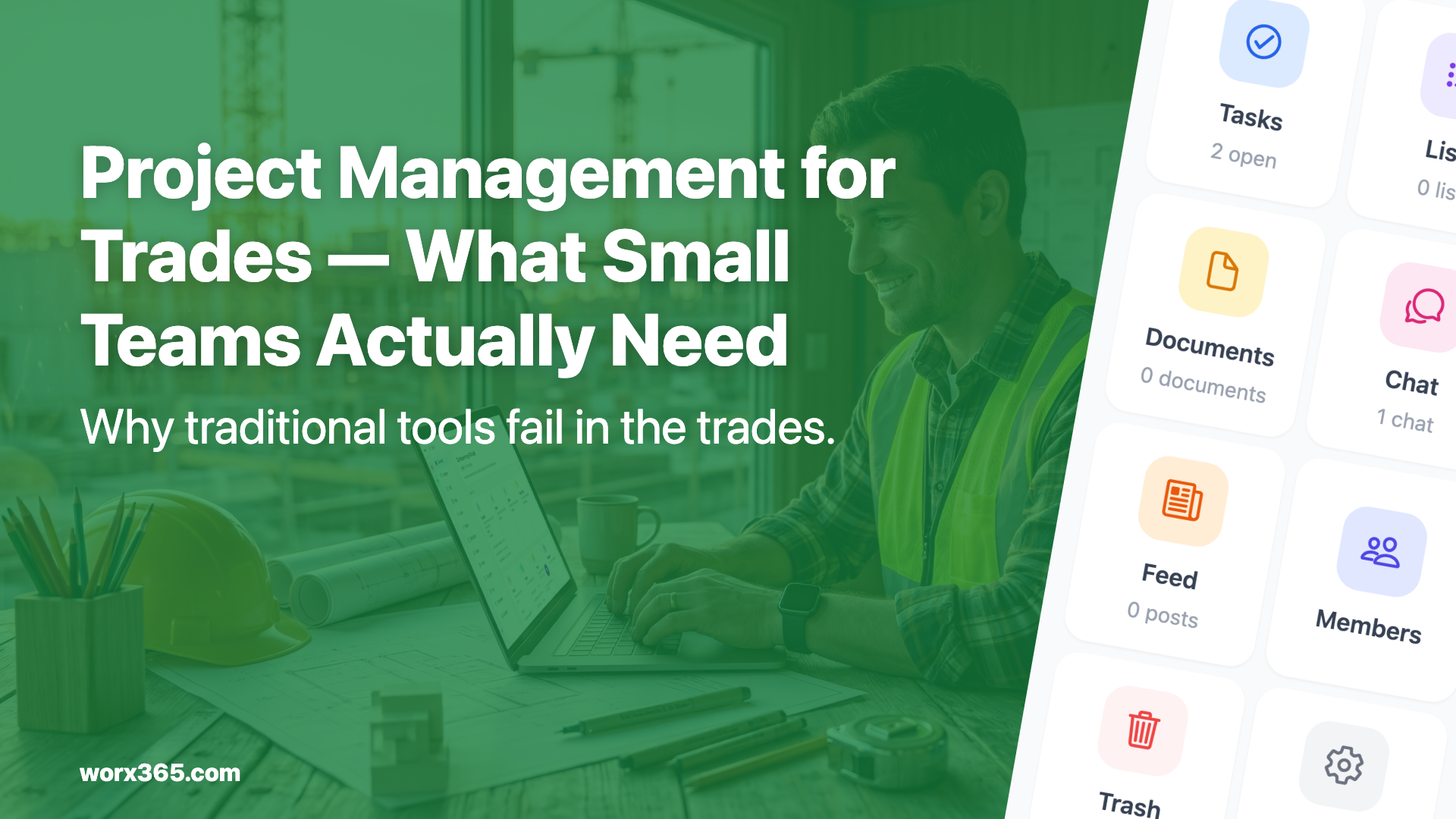
Every project has its own task list with owners, deadlines, and priorities. Kanban boards and Gantt views are there too, if you want them. Photos and documents are stored directly in the project. The project chat replaces the WhatsApp group, and time tracking runs per project.
For customers, there’s the customer feed: a link where they can see progress. No account needed.
And then there’s Emma. Emma is the AI assistant in Worx365. You can tell her what you need via voice input: “Create a task for Monday, tile installation on the Miller project.” That’s faster than typing, especially when you’re standing on a job site.
Onboarding is simple. You create a project, send an invite code, and your team is in. No IT project, no training day.
Just start
The biggest mistake when digitizing a trade business: thinking too big. You don’t need a perfect system on day one. Take a current project, set it up in Worx365, and move the communication and tasks there. After two weeks you’ll know if it works.
Worx365 has a free tier. You can start with your team and scale up later when you need more. No contract lock-in, no hidden costs. Check the pricing or get started right away.
No Gantt chart required. Just a system that fits your day.