Project Management for Architecture Firms — Tasks, Docs and Team
How an architecture and engineering firm organizes projects with Worx365: assign tasks, document plans, communicate as a team. With a practical example.

The Challenge
A typical planning office with 5-15 employees juggles multiple projects at the same time: design planning, permit processes, construction supervision. Each project has its own deadlines, its own stakeholders, and its own documents. In practice, this often looks like:
- Tasks are distributed via email and get buried
- Documents are scattered across different drives
- Project photos end up in WhatsApp groups
- Clients constantly ask for status updates
The Solution with Worx365
Clear Project Structure
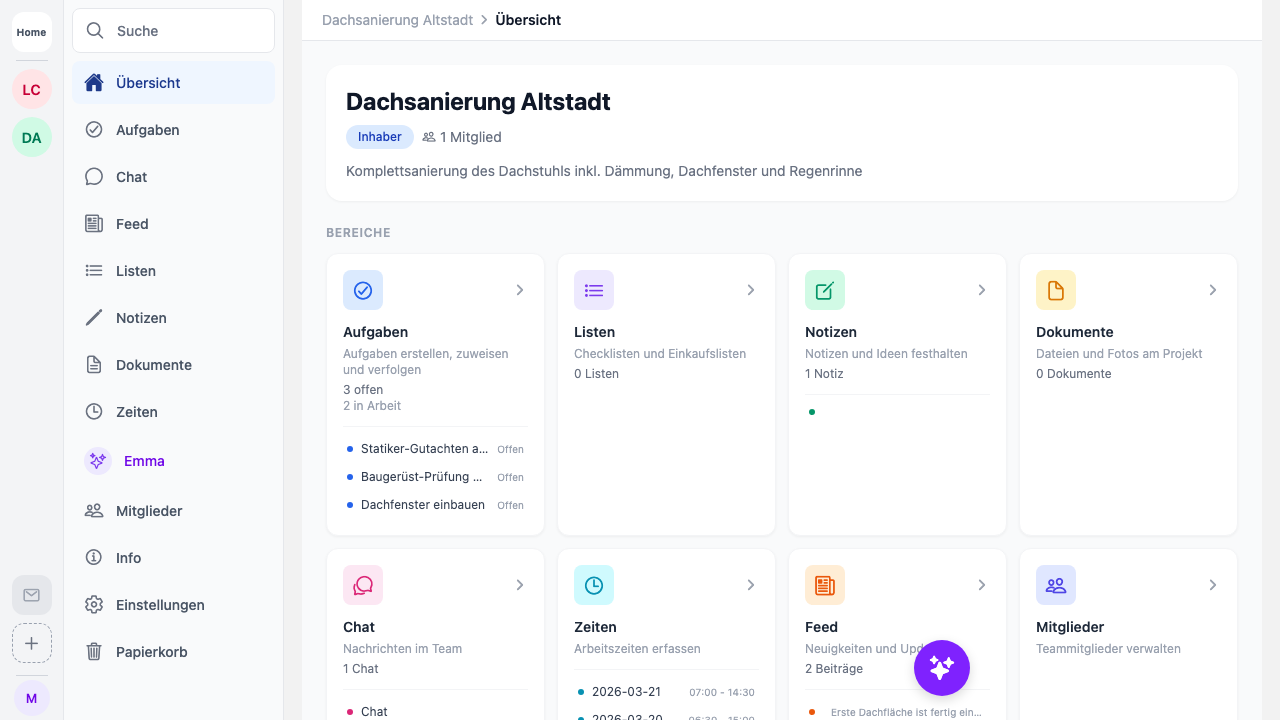
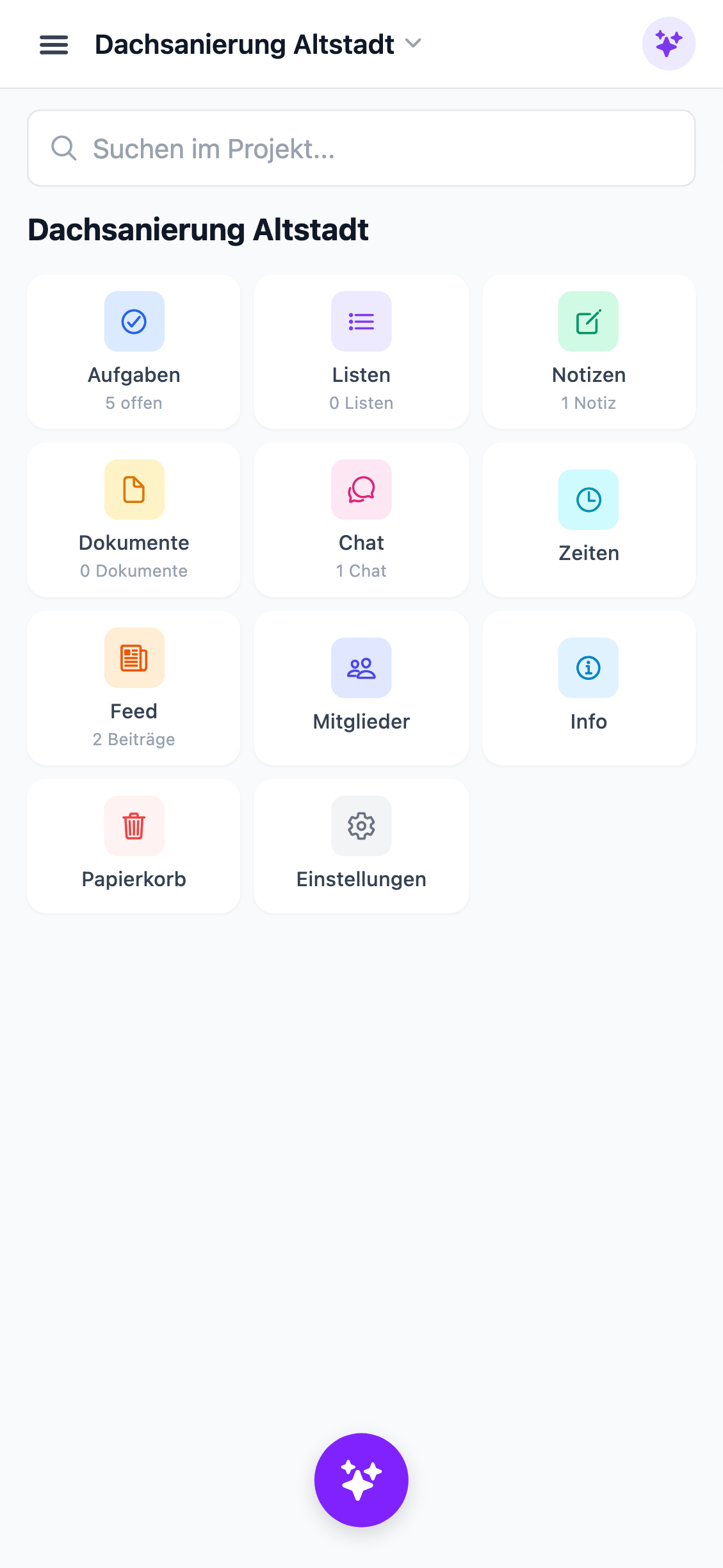
Each construction project gets its own project in Worx365. The project manager creates the project, adds team members, and defines the initial tasks. External consultants are invited as guest members — with restricted access limited to their project.
Assign and Track Tasks
Instead of emails, the project manager creates tasks directly in Worx365. Each task includes:
- An assignee
- A deadline
- A priority
- Optionally a checklist for sub-steps
The team sees at a glance what needs to be done. Automatic reminders make sure no deadline is missed.
Documentation Within the Project
Plans, reports, and permits are uploaded directly to the project as documents. Construction progress is documented with photos — sorted chronologically and visible to everyone involved.
Meeting notes and minutes are stored as Markdown notes directly in the project. No more digging through email archives.
Communication Without WhatsApp
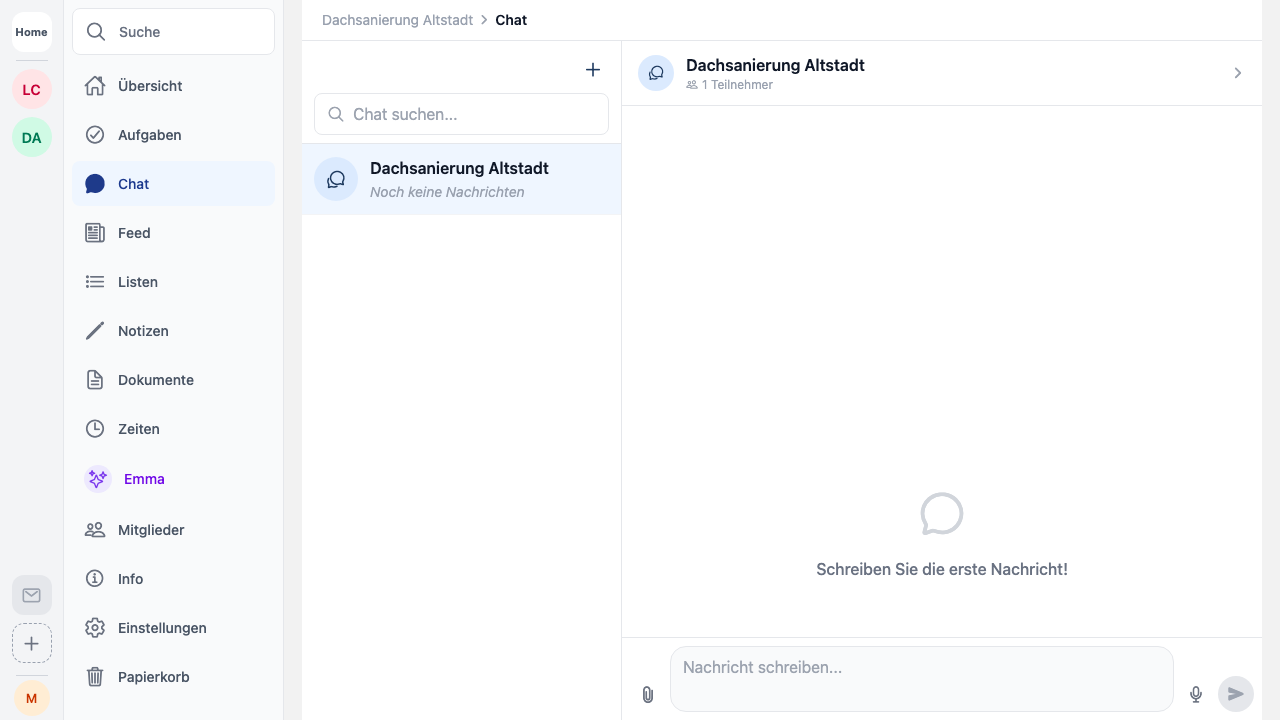
Instead of private WhatsApp groups, the team uses project chat in Worx365. Messages stay project-related and GDPR-compliant. For the client, there’s a customer feed: they can follow progress via a link — without needing their own account.
The Result
- All project information in one place
- Clear task assignments with deadlines
- Documentation attached to the project
- Professional client communication
- No more sharing private phone numbers
Worx365 doesn’t replace the expertise of your planning office — but it makes sure that organization is no longer the bottleneck.