Trash: never accidentally delete anything again
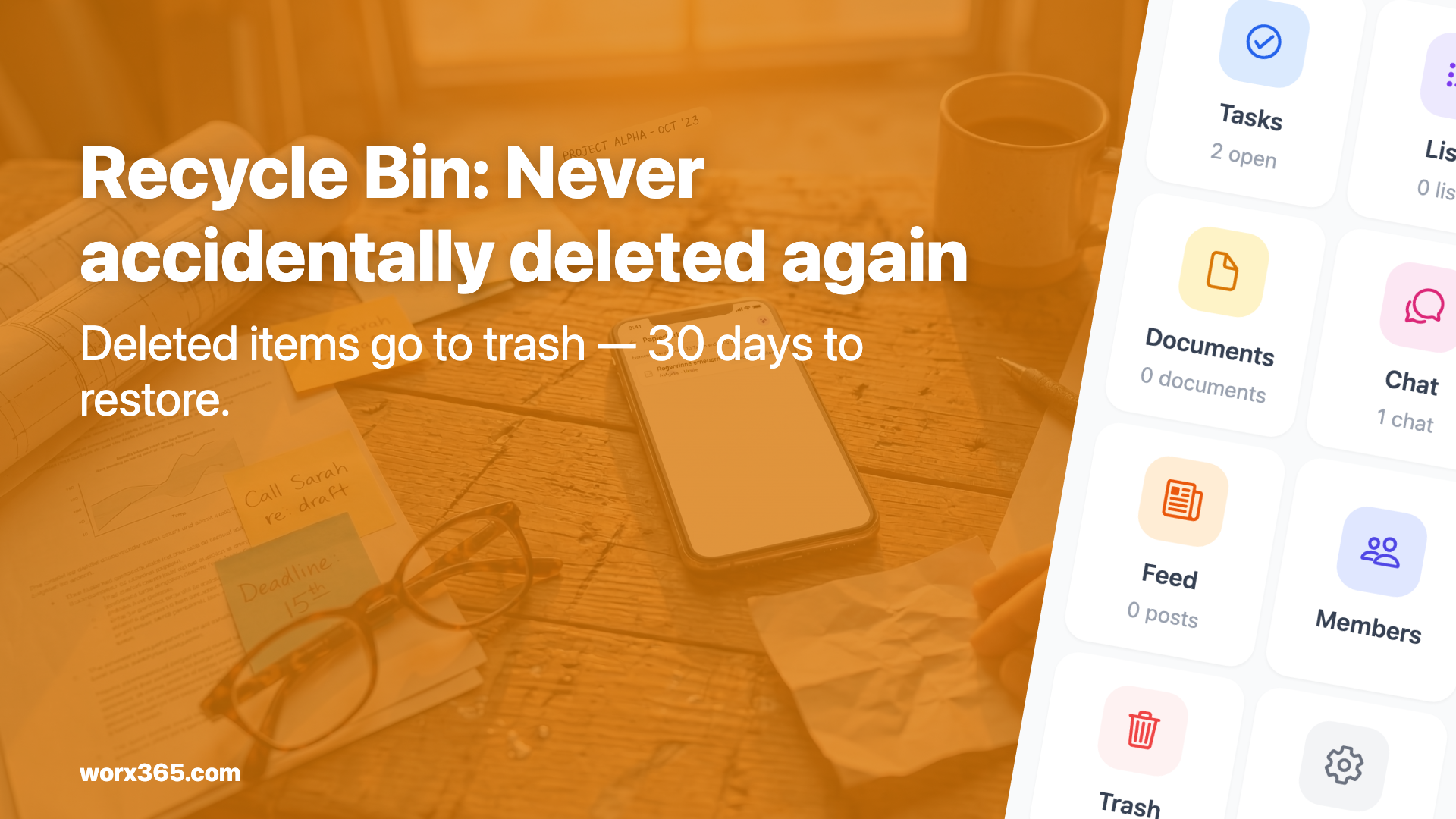
Deleted tasks, notes, checklists and documents now go to the trash. 30 days to restore them. One click is all it takes.

One wrong tap, everything gone
We’ve all been there: a team member is tidying up, deletes old tasks and hits the wrong one. Or someone removes a checklist that’s still needed. Until now, that was final. The data was gone, and the only option was to start over.
That changes today.
What the trash does
When someone deletes something in Worx365, here’s what happens now: the item disappears from the normal view but lands in the trash. It stays there for 30 days. During that time, it can be restored at any point. After that, it’s permanently removed.
This applies to:
- Tasks (and their subtasks)
- Notes
- Checklists
- Chat messages
- Feed posts
- Documents and attachments
Whether in a project or your personal workspace.
Restoring is quick
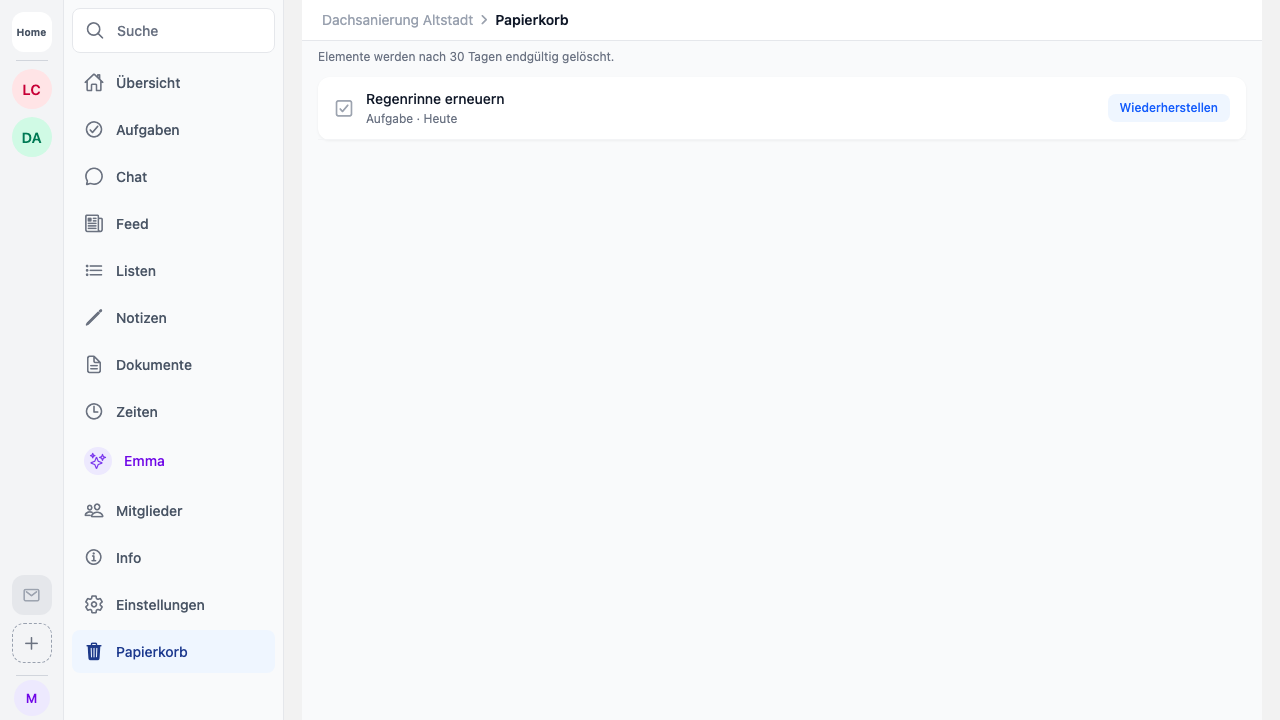
You’ll find the trash in your project via the “More” menu. There you see all deleted items, sorted by deletion date. Next to each entry it shows when it was deleted and how many days remain.
Tap “Restore” and the item is back. In the same place it was before.
Emma always asks first
If you use Emma and say “Delete the concrete work task”, she now asks first: “Should I really move this task to the trash?” Only after you confirm does she delete it. No more accidental deletions from a misunderstood instruction.
This was important to us. An AI that deletes data on command without asking is a risk. Emma doesn’t do that anymore.
30-day retention
The 30-day window is intentional. Long enough for mistakes to surface. Short enough that old data doesn’t pile up and waste storage.
After 30 days, items are automatically and permanently deleted. For documents and images, the storage space is freed up as well. Nobody needs to manage this — it runs in the background.
When this helps
A few typical situations from everyday work:
A technician accidentally deletes the task list for the current project. No problem, it’s all in the trash. An office worker cleans up notes and realizes the next day that one is still needed. Restore, done. A team lead deletes a feed post and the client asks about the photo. Still there.
Sounds minor. But anyone who’s spent half an hour reconstructing deleted data knows how much time this saves.
How to activate the trash
You don’t. The trash is automatically active from now on. Every deletion in Worx365 now goes through the trash. Nothing to configure, nothing to set up. Just keep working as usual, but with a safety net.