The Customer Feed — show your clients what you deliver
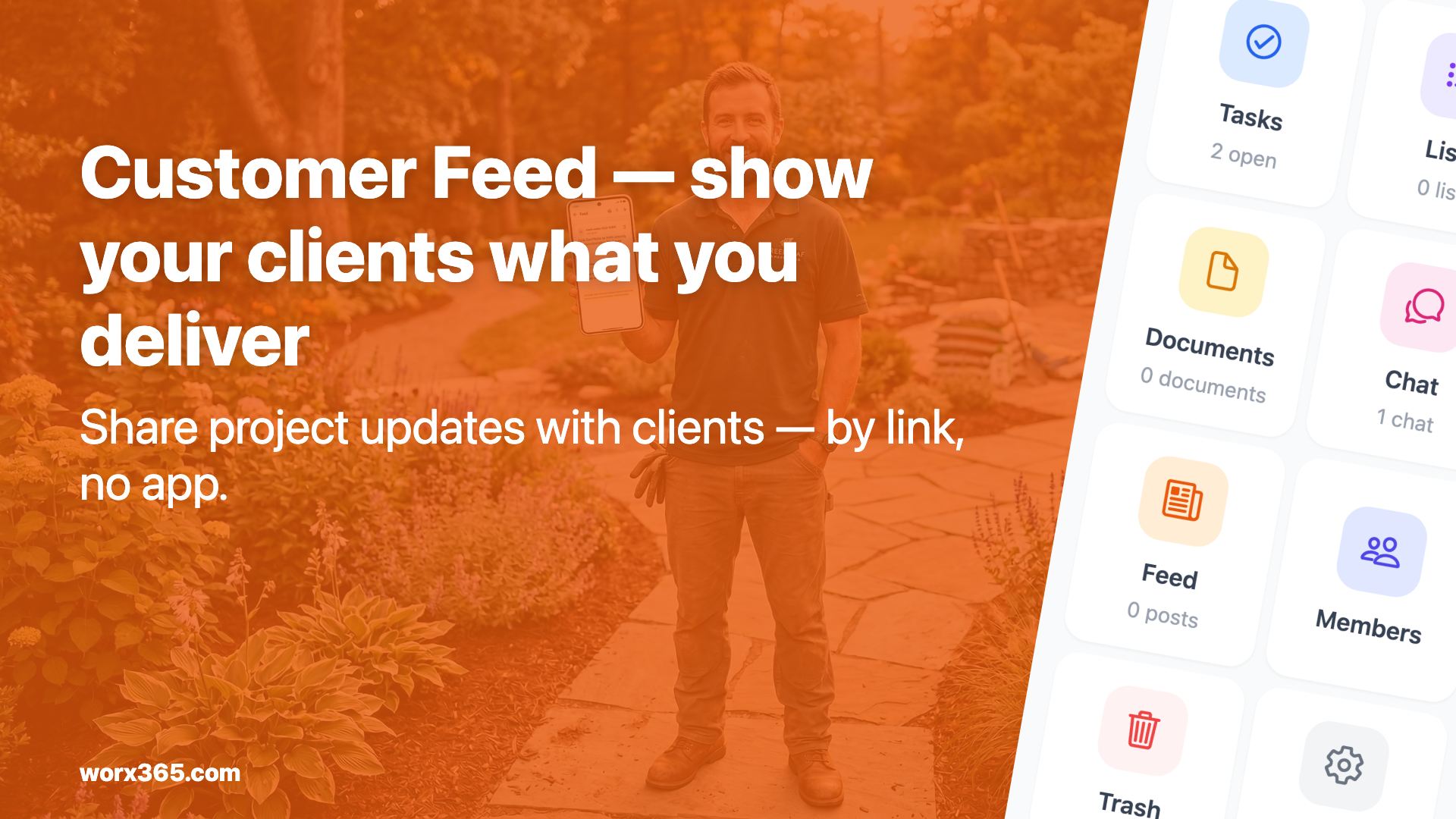
Your own project feed for clients: share photos, videos and updates without giving them full project access. Via link, no app, no account needed.
Your client asks: “How’s it going?”
You know the drill. Thursday afternoon, you’re in the middle of a project, the phone rings. The client wants to know how things are going. You spend five minutes explaining what happened, what’s next and when the following step is coming. Friday, they call again. Monday too.
The client means well. They just want to know what’s happening with their money. But for you, that’s five to ten minutes each time where you can’t work. And honestly: sometimes you don’t pick up because you’re on a ladder or have dirt on your hands.
What if the client could just check for themselves?
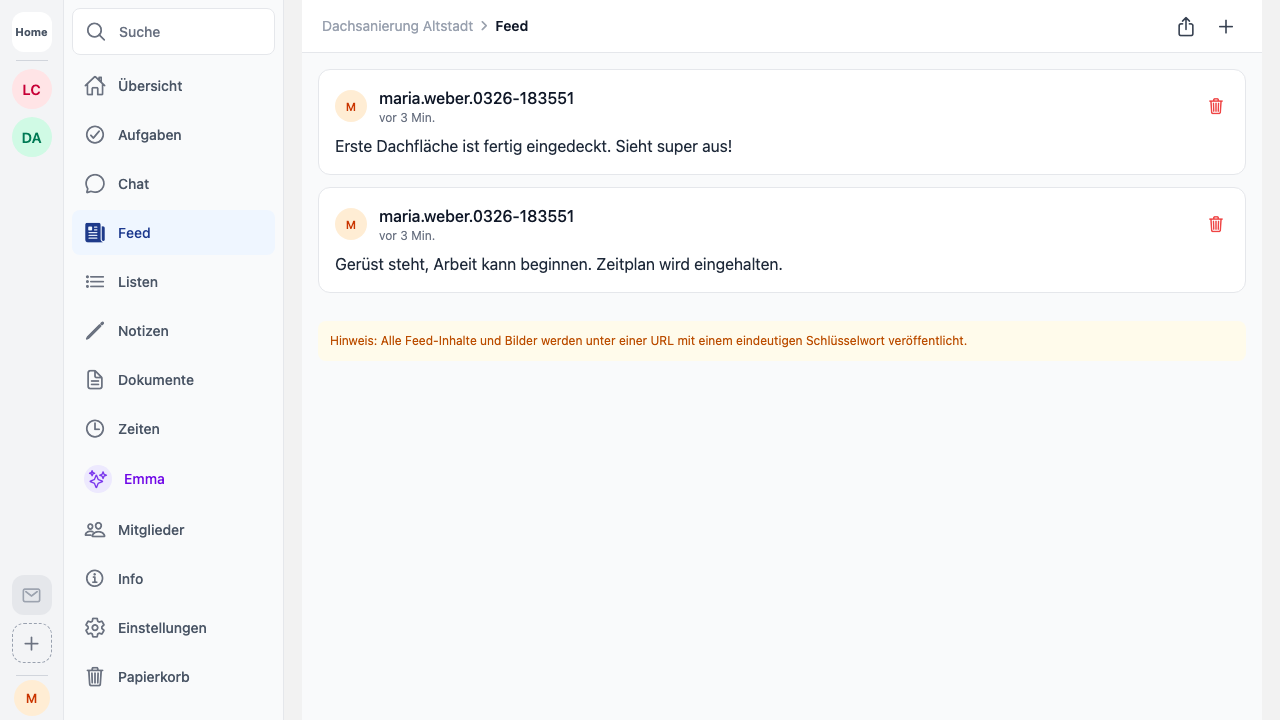
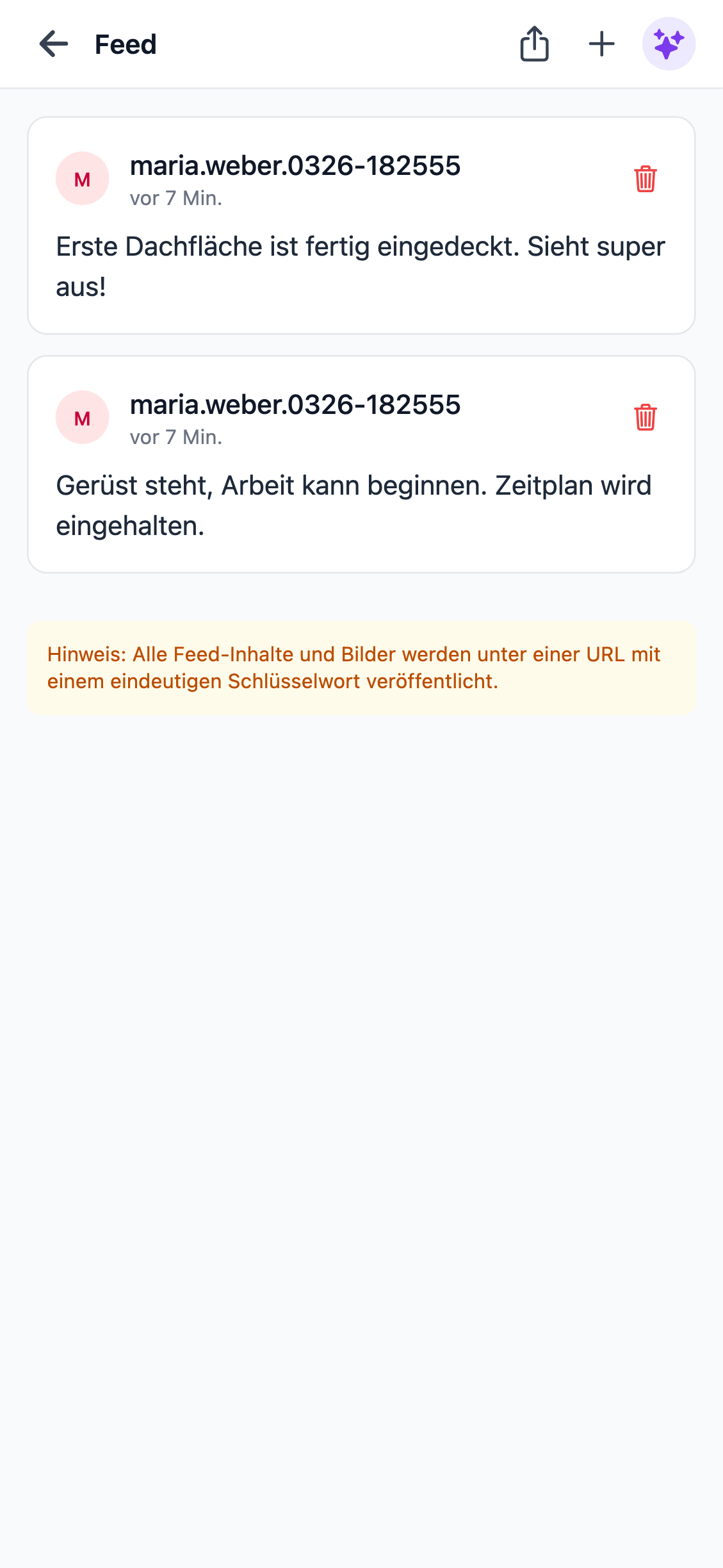
That’s exactly what the Customer Feed in Worx365 does. Think of it as a private Instagram feed that exists only for a specific project. You post photos, videos or short text updates — and your client sees the progress whenever they want.
Only what you share is visible
This is the key point: your client doesn’t get access to your project. They don’t see your task lists, your internal notes, your time tracking. They only see what you deliberately post to the feed. Nothing more.
You decide what goes public. A photo of the finished flowerbed? Post it. A video of the newly laid pavement? Go ahead. The internal comment about the late material delivery? Stays internal.
Via link, no app, no account
Your client doesn’t need the Worx365 app or their own account. They get a protected link and can open the feed in any browser — on their phone, laptop, wherever. The link is secured with a key, so not just anyone can access it. But for your client, it’s as simple as opening a webpage.
No “download the app first.” No “create an account.” Zero effort on the client’s side.
What this means in practice
Fewer follow-up calls
When your client regularly sees what’s happening, they call less often. Not because they’ve lost interest, but because they’re informed. That easily saves you 20 to 30 minutes on a normal day.
Your client becomes a fan
Imagine you’re a landscaper, completely redesigning a garden. Your client is at the office and can’t be on-site. But in the evening they scroll through the feed, see the new grasses, the finished pathway, the first flowers blooming. They show it to their partner, send the link to the neighbor.
That client will recommend you. Not because you were cheaper than the competition, but because they felt involved.
Anyone on the team can post
You don’t have to do it all yourself. Your foreman is on-site and snaps a quick photo? They post it to the feed. Your colleague received the new plants? Photo in. The feed thrives when everyone contributes — and it works because it takes 30 seconds from your phone.
Works for architects and consultants too
The feed isn’t just for end clients. When you work with architects, engineers or other consultants, you can give them the same feed link. They see the construction progress without you having to grant full project access. Keeps communication lean.
Real-world examples
Landscaping: Document every phase — earthworks, planting, completion. The client watches their garden transform in real time.
Garden maintenance: Before-and-after photos after every visit. The client sees what was done, even when they weren’t home.
Construction: Document progress, record milestones, post inspection photos. Everything in one place, everything traceable.
Trades: Show renovation progress, post intermediate results, document materials.
No extra cost
The Customer Feed is included in Worx365. No add-on package needed, your client doesn’t need an account. You activate the feed for a project, share the link, done.
Your own channel
At the end of the day, the Customer Feed is your own communication channel. No WhatsApp where messages get buried. No email ping-pong with attached photos. No Facebook page that anyone can see.
Instead, a protected feed, just for this one project, just for the people who have the link. Professional, personal and effortless.