How Emma remembers things and keeps getting better
Emma stores customer preferences, project details and your personal habits. Just tell her once, she'll remember. No setup, no training required.
Tell her once, she knows it forever
“Mr. Meier always wants emails in the morning, never call him.” “Budget for the Weber project: 45,000 euros.” “Weekly reports always go to Mrs. Schmidt.” Information like this comes up constantly. In the past, you’d write it on sticky notes, dig through emails, or just forget.
Emma remembers it. You tell her once, and next time she knows. No configuration, no setup, no training.
How Emma’s memory works
Emma’s memory works like a small notebook she keeps for you. It has different sections.
Personal: Who are you, how do you work? Do you prefer short answers? Should she always address your clients formally? Emma saves this and adapts. General covers things that apply across all your projects: company rules, standard workflows, important contacts. “We always invoice at the end of the month.” “Our tax advisor is Mr. Mueller.” Project-specific means everything that only matters for a single project. On the Weber project, Mr. Meier prefers emails. On the landscaping project: budget 45,000 euros, phase 1 deadline end of April. Emma automatically loads the right information depending on which project you’re chatting in. And when you use Emma in “My Workspace” (without a project), she has a separate memory for that too. Your personal tasks, notes, preferences.
You don’t need to understand any of this. Emma decides on her own where to store things. You just say: “Remember, Mr. Meier never wants to be called on Mondays.” Emma saves it in the right project and confirms.
Let her remember in chat
Emma responds to clear instructions, for example “Remember: always use formal address on the Weber project.” Or “Save this: budget has been increased to 50,000.” For customer preferences, deadlines or budget changes, she’ll sometimes ask: “Should I remember this?” You answer yes or no. Done.
When something changes, just tell her. “Forget the budget thing” or “That’s outdated, it’s 55,000 now.” Emma updates her entry.
Edit it yourself
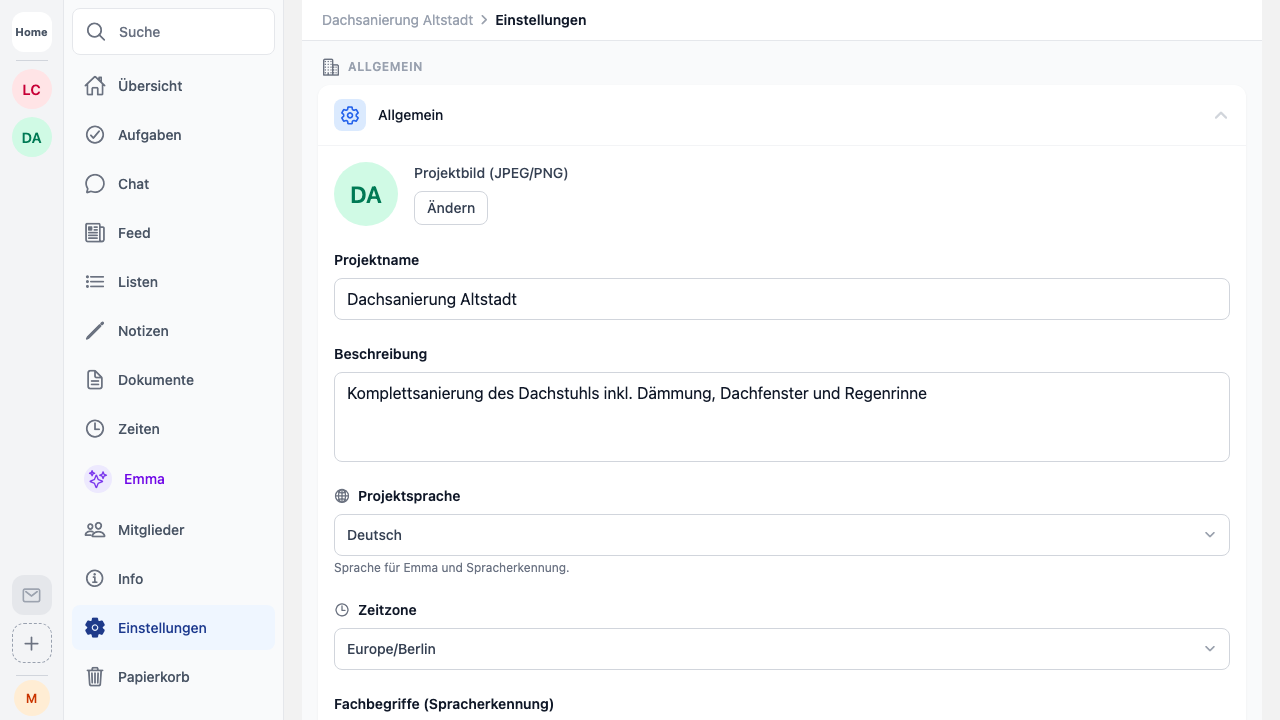
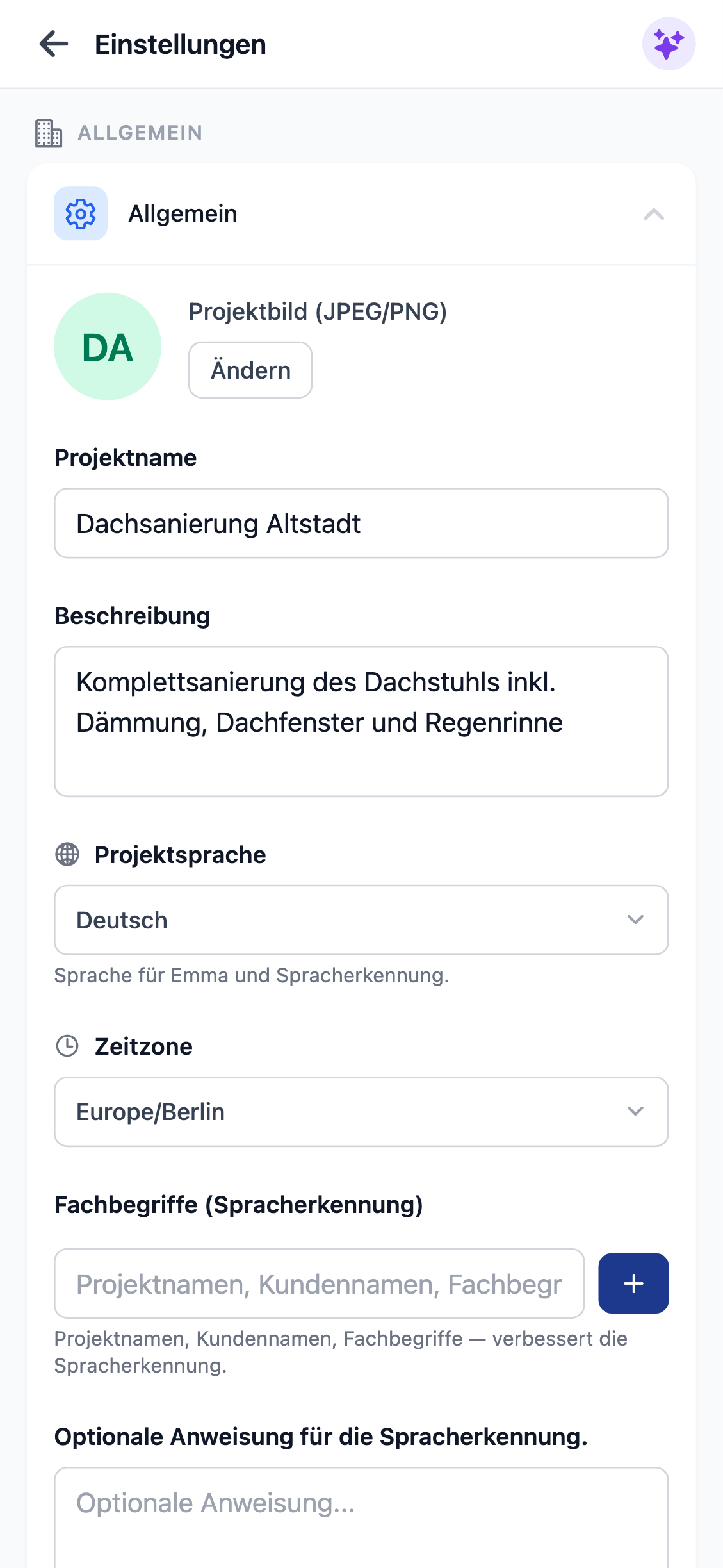
You can also edit Emma’s memory directly. In the settings you’ll find “Personal Data” and “General Notes”. Each project also has “Project Knowledge”. There you can see what Emma has stored, and add or delete entries.
Some people let Emma learn everything through chat. Others manually maintain customer data or project info. Both work.
Why Emma gets better over time
The more you work with Emma, the more she knows about you and your projects. She knows your clients, your deadlines, your preferences. She doesn’t have to ask the same questions every time.
“What’s on this week?” Emma knows which project you mean, knows the due dates, can prioritize. “Send the client a short summary.” She knows who the client is, what they prefer (email, not phone), which details matter. Emma has access to your data and her memory. She combines both. The fuller the memory, the better the answers.
Your data stays your data
Emma’s memory belongs to you. You can delete entries individually or remove all Emma data at once. Everything is stored in Europe and is never shared with third parties. Emma only uses the information to help you.