Construction Site App — Documentation, Tasks and Team in One Place
A construction site app needs to bring together photos, tasks, and team communication. What site management software for small teams needs to deliver.
Everything in different places
Wednesday, 2 PM. The site manager is standing on a construction site, taking a photo of a crack in the foundation slab. The photo ends up on his personal phone, somewhere between holiday snaps and screenshots. The task to get the crack inspected? That’s in his head. The message to the structural engineer goes via WhatsApp. The day’s working hours get scribbled on a piece of paper later that evening.
Four different places for a single issue. And when he needs to produce documented evidence of that crack three months later, the searching begins.
This is how site documentation works on most construction sites. Not because people don’t care, but because there’s no tool that brings it all together without being complicated.
What a construction site app actually needs to do
Plenty of construction management apps throw features at you. But if you’re running a small outfit with 3 to 15 people, you don’t need a BIM system. You need five things that work reliably:
Photo documentation with context. Photos need to be automatically tagged with date and location. And they need to be attached to a project or task, not floating loose in a gallery.
Tasks the whole team can see. Who’s doing what by when? Whether that shows up as a list, a board or a calendar is secondary. The point is that everyone knows what needs doing.
Communication within the project. Questions about the site belong in the project, not in a private WhatsApp group. When a new team member joins, they should be able to see the history.
Time tracking per project. Who was on which site and when? Sounds simple, but without an app it turns into a paperwork headache at the end of the month.
Document storage. Plans, permits, meeting notes. One place where everything lives and everyone can find it.
The problem with WhatsApp and personal phones
WhatsApp is the default communication tool on almost every construction site. Understandable, everyone has it. But there are problems you can’t talk your way around:
When an employee leaves the company, they take every site photo on their phone with them. Those photos belong to the business, but they’re sitting on a personal device. Legally it’s dodgy, practically it’s a loss.
WhatsApp groups have no structure. Anyone searching for a specific photo from three weeks ago will scroll until their thumb goes numb. And when three sites are running in parallel, nobody can keep track of which information is in which group.
Then there’s data privacy. Personal phone numbers get shared, contacts get synced, and GDPR doesn’t care that “everyone does it this way”.
Site documentation with Worx365
Worx365 solves these problems. No training, no manual.
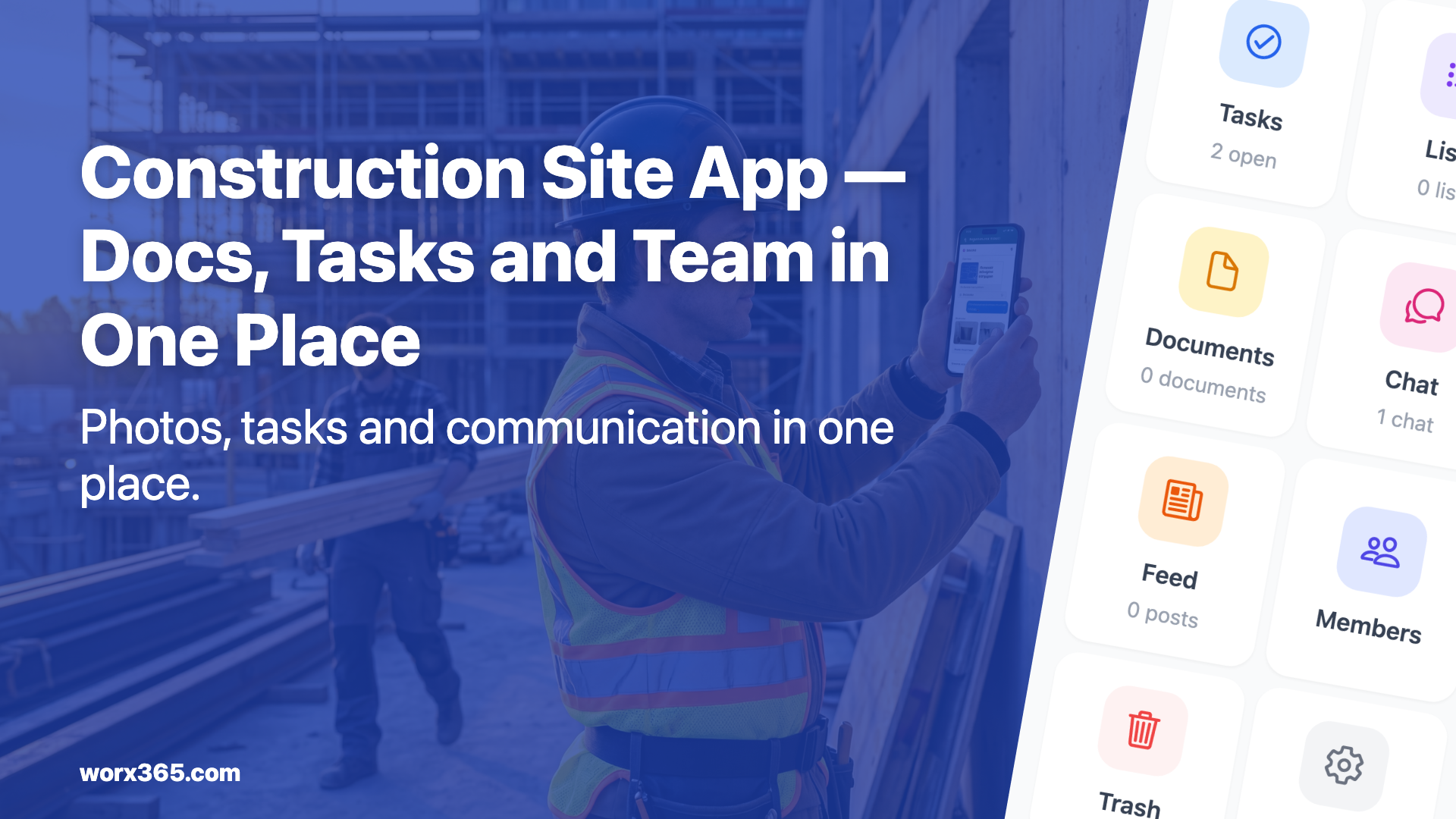
Each site gets its own project. Inside that project, all tasks, photos, documents and chats live in one place.
Photos attached to tasks and projects. You photograph the defect and attach the image directly to the task. Date and assignment are automatically clear. When you need to prove the defect three months later, you find the photo in seconds. More on document storage.
Team chat per project. Each site has its own chat. Direct messages and group conversations stay in the project context. No personal numbers needed, no mixing with private life. Details on communication.
Create tasks by voice. Emma, the AI assistant in Worx365, can create tasks from a short voice message. You say “Create a task: get foundation crack inspected, deadline Friday, assign to Thomas” and the task is there.
Time tracking per site. Your team logs working hours directly in the app, assigned to the relevant project. At the end of the month, everything is together without any paper shuffling.
From the digger to the desk
Worx365 runs on phones, tablets and desktops. The foreman logs on site, the site manager checks in the office, the boss sees the status on the go. Same data, everywhere.
Sounds normal. It isn’t. Plenty of tools only work properly on a computer, or have a mobile version that can do half as much.
Try it now
You can try Worx365 for free. Set up your first project, invite your team, see if it works for your sites. No contract, no credit card.
Photos, tasks and chat in one place? Try Worx365 for free.