Guest members
Include externals, keep control
Invite partners, freelancers, or clients as guests. They see only what you share.
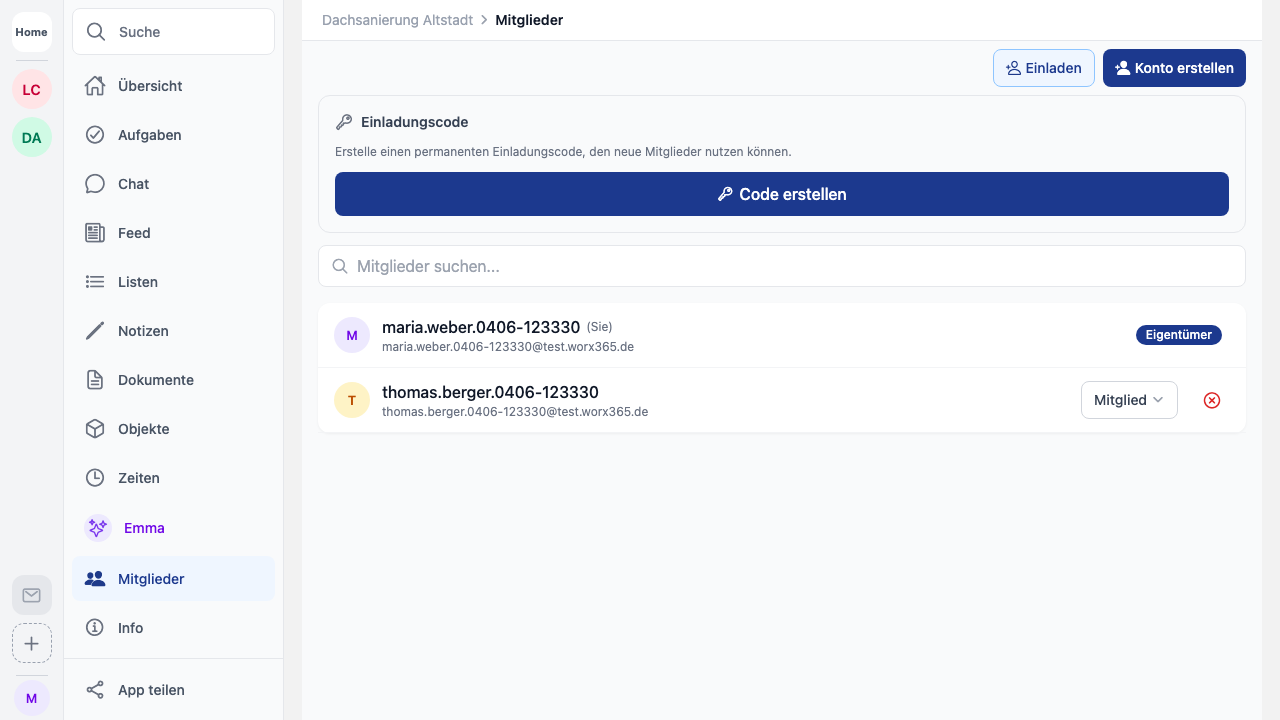
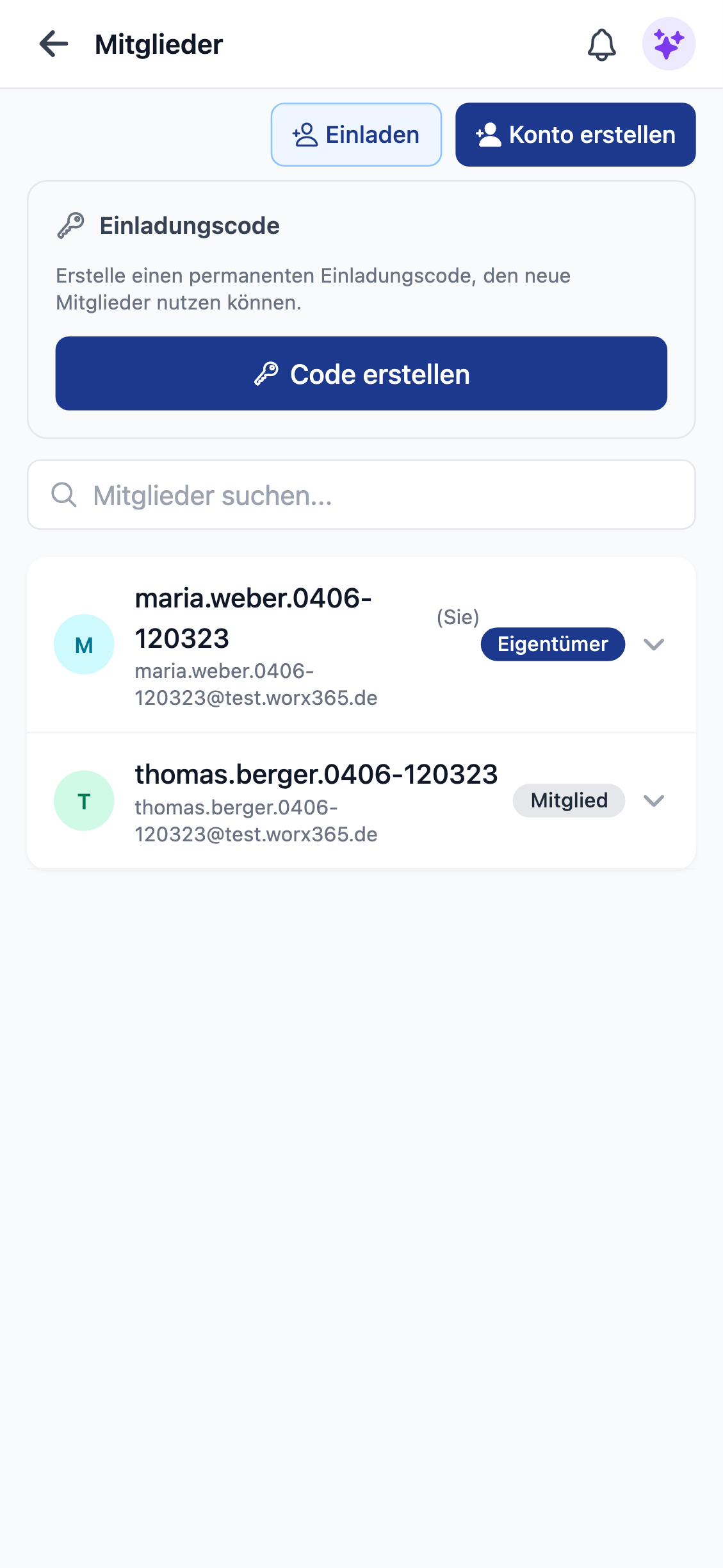
Limited access, full collaboration
Guests can see tasks, documents, and lists, but not chat or feed.
Read only, not edit
Guests have read access to workspace content. No chat, no feed.
Invite via email
One email is enough. The guest creates an account and joins the project.
Start for free now
Sign up now and try Worx365 for free.
Register now
Or contact us at hello@worx365.com